How a PWA Can Benefit Your Store or Service Business
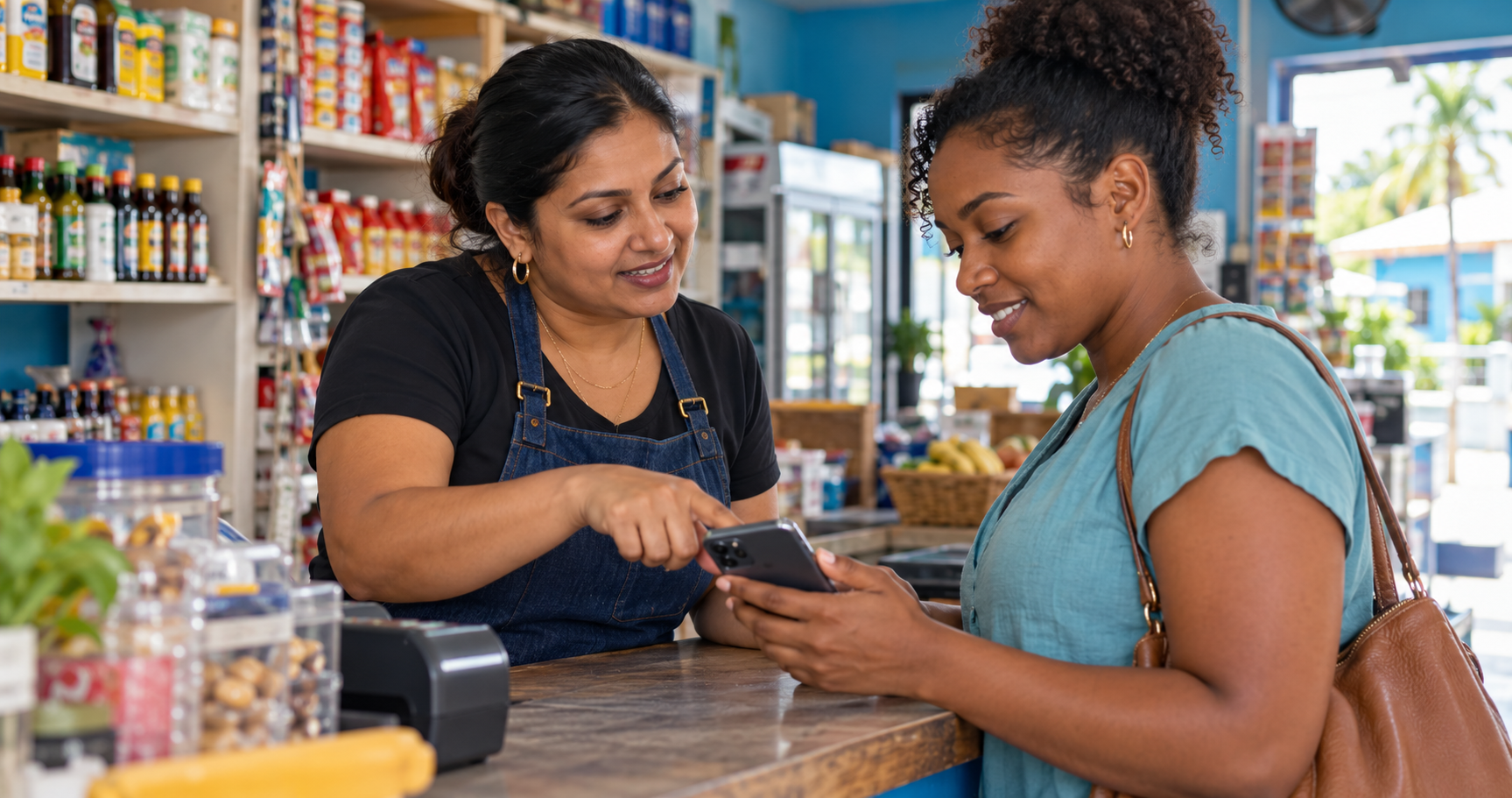
Cover image: AI-generated illustration of a shop owner helping a customer use a phone; not a product screenshot, endorsement or customer testimonial.
A customer buys from your store, enjoys a haircut or uses your transport service. A few weeks later, they want to contact you again.
Where did they save your link?
Perhaps it is in an old conversation. Perhaps they remember your business name but cannot find the right page.
A PWA gives customers another option: keeping an entry point to your business alongside the other apps they use.
What is a PWA?
A Progressive Web App is a web application that can offer features associated with installed apps. On supported devices and browsers, customers can install it, recognise its icon and open it in a dedicated window. The exact experience depends on the website’s configuration and browser support. MDN explains PWA installation requirements.
Customers can still visit through your ordinary web link. Installation is an optional next step for someone who wants to keep your business close at hand. Web distribution does not require customers to find your business in an app store. Google’s PWA overview explains this combination of web access and app capabilities.
For a small business, the practical journey is straightforward:
For stores: give repeat customers a place to start
Consider a customer who regularly buys hair products, groceries or clothing from your business.
You could invite them to save your storefront after their first purchase. On a future visit, they would have a familiar place to begin browsing.
Useful reasons to return might include:
- Checking your product range and published prices.
- Reviewing pickup or delivery information.
- Finding opening hours and contact details.
- Starting another order through the options your store provides.
The destination still needs attention. Keep product information current, make unavailable items clear and explain how customers confirm their orders.
An installed icon is useful when the store behind it answers the customer’s next question.
For service providers: keep the next visit within reach
Service businesses can apply the same idea to the information customers need between appointments.
A barber could direct returning clients to a page with services, prices, hours and appointment options. A taxi driver could provide contact details and information about the trips they offer. A tradesperson could give customers a consistent place to review services and send an enquiry.
These are examples of how to organise the experience, rather than promises of automatic bookings.
Choose one recurring customer task and make it obvious:
“When you need your next appointment, open this page and use the booking or contact option shown.”
Keep the distinction between a request and a confirmed appointment clear.
Build on the web presence you already maintain
A PWA can extend an existing web application rather than require a separate app for every platform. Customers can arrive through a shared link, while supported devices offer installation as an additional way to access it. Google describes this shared web foundation.
That makes it worth considering before commissioning a separate mobile application.
There is still work involved: maintaining accurate content, supporting customers and checking the experience across devices. A PWA does not remove those responsibilities.
Understand which features you actually have
The term “PWA” does not establish that every app feature is available.
Offline browsing requires deliberate caching. Cached information can also become outdated, so an old price or product listing should not be treated as confirmation of current availability. Notifications likewise require implementation and permission. MDN explains these capabilities and restrictions.
Do not assume an order, payment or booking succeeded simply because a page remains visible. Customers need a clear confirmation from the relevant system or business.
Where CariTap.Me fits
CariTap.Me currently lists Progressive Web App support among its features. Its sample storefront also declares a business name, icon and launch page for its app presentation. These are configuration details; they do not establish that every device installs it successfully or that offline ordering and push notifications are available. You can review the current offering on CariTap.Me.
For a CariTap business, start with the page customers already use: your store or Digital Business Card.
Before promoting installation, check it on the Android phones and iPhones your customers use:
- Does installation work, and does the icon open the correct page?
- Are the business name, images, prices and hours correct?
- Do contact, enquiry and ordering options work after launch?
- Are requests and confirmations clearly distinguished?
- Does the page explain connection problems without suggesting an action succeeded?
Invite customers after giving them a reason to return
Offer installation when its purpose is clear—for example, after a purchase or completed service.
You could say:
“Would you like to save our store to your home screen for your next visit?”
Or:
“You can save this page to find our services and contact details again.”
Keep it optional. The ordinary link should remain useful to customers who prefer browsing without installing anything.
Then assess what matters to your business: returning visitors, relevant enquiries, completed orders and confirmed appointments. Page views alone do not tell you how many people installed the PWA.
Start with your customer’s next visit. Review your CariTap store or Digital Business Card, check the installation experience and give customers a clear reason to save it.